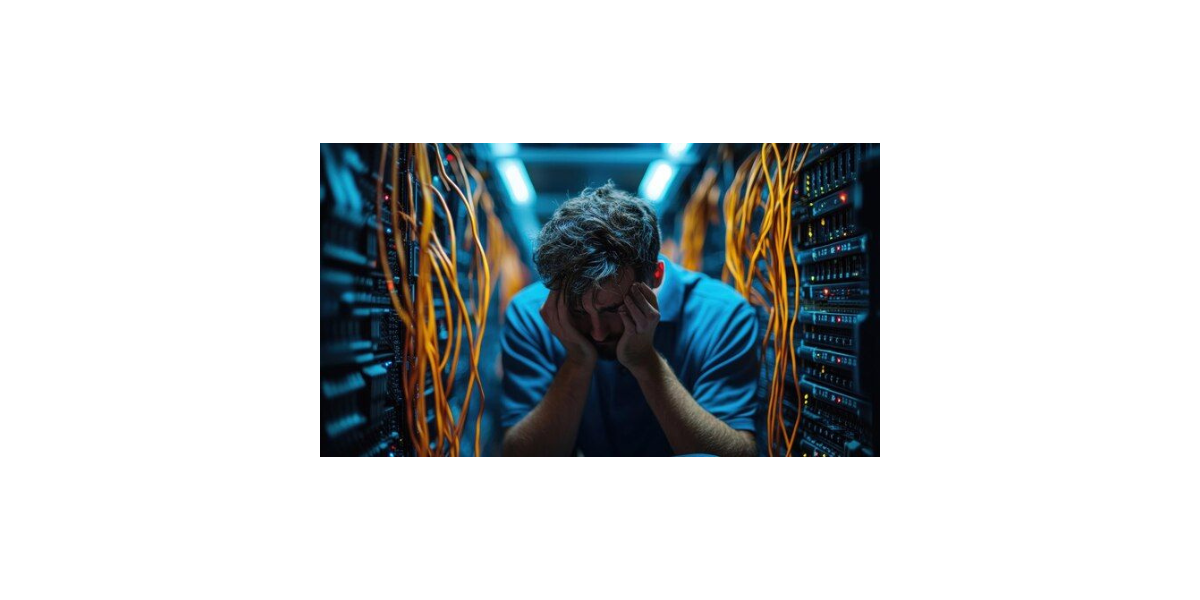
In today’s fast-paced business environment, a stable office network is the backbone of productivity. A well-installed network allows smooth communication, quick data sharing, and uninterrupted workflow. However, many offices face networking problems that can disrupt daily operations. Understanding these issues and their solutions can save time, money, and prevent frustration.
If you are in Karachi and looking for Office Networking Installation in Karachi or a Security Solution Company in Karachi, this guide will help you identify common problems and solutions.
1. Slow Internet Speed
Problem: Slow internet is one of the most common networking issues in offices. It can be caused by outdated hardware, bandwidth congestion, or improper network configuration. Employees may face delays in accessing files, video conferencing issues, or slow email responses.
Solution:
- Upgrade your office routers and switches to support higher speeds.
- Limit unnecessary bandwidth usage by controlling heavy downloads or streaming.
- Consider using a business-grade internet plan that supports multiple users simultaneously.
- Regularly monitor network performance to detect bottlenecks early.
💡 For professional setup and monitoring, a trusted Office Networking Installation in Karachi can ensure your internet runs efficiently.
2. Frequent Network Disconnects
Problem: Network drops and connectivity issues can halt office work. Common causes include loose cables, damaged hardware, software conflicts, or poor Wi-Fi coverage.
Solution:
- Check and replace faulty cables or hardware.
- Update network drivers and firmware regularly.
- Install Wi-Fi extenders or additional access points to cover dead zones.
- Ensure network devices are not overheating and are placed in ventilated areas.
Professional companies like a Security Solution Company in Karachi can inspect your network setup to provide long-term stability.
3. Network Security Threats
Problem: Cybersecurity threats like malware, ransomware, or unauthorized access can compromise sensitive office data. Weak passwords, outdated software, and unsecured Wi-Fi networks are often the cause.
Solution:
- Use strong, unique passwords for all devices and accounts.
- Install firewalls, antivirus, and anti-malware solutions.
- Keep operating systems and software up to date.
- Educate employees about phishing emails and safe browsing practices.
- Segment your network to restrict access to sensitive information.
A professional Office Networking Installation in Karachi often includes a security solution package to protect your business from cyber threats.
4. IP Address Conflicts
Problem: IP conflicts occur when two devices on the same network are assigned the same IP address. This can lead to intermittent connectivity issues or prevent devices from accessing the internet.
Solution:
- Use a DHCP server to automatically assign IP addresses.
- Regularly check and resolve static IP conflicts manually if needed.
- Keep a log of IP addresses assigned to critical devices to avoid duplication.
Network experts in Office Networking Installation in Karachi can set up your system correctly to prevent conflicts.
5. Poor Wi-Fi Coverage
Problem: Employees may experience weak Wi-Fi signals in certain areas of the office, leading to slow connections or constant disconnects.
Solution:
- Position your Wi-Fi router centrally and away from thick walls or electronic interference.
- Use Wi-Fi extenders or mesh networks to ensure full coverage.
- Limit the number of devices per access point to avoid congestion.
- Regularly analyze Wi-Fi performance using apps or professional tools.
Hiring a Security Solution Company in Karachi can help design and implement a Wi-Fi network that covers your entire office seamlessly.
6. Hardware Failures
Problem: Office networking devices like routers, switches, or servers can fail due to age, overheating, or improper handling, leading to network downtime.
Solution:
- Invest in high-quality, business-grade networking equipment.
- Keep spare backup devices ready for critical infrastructure.
- Schedule regular maintenance and firmware updates.
- Ensure proper ventilation and cooling for servers and network devices.
Regular Office Networking Installation in Karachi includes maintenance services that reduce hardware failures.
7. Slow File Sharing or Server Access
Problem: Offices often face delays when accessing shared files or servers due to network congestion or server misconfiguration.
Solution:
- Optimize server settings for better file access.
- Use wired connections for high-traffic devices to reduce Wi-Fi congestion.
- Implement network segmentation to separate file servers from general traffic.
- Regularly backup and maintain server health to avoid crashes.
Professional Security Solution Company in Karachi can implement solutions for smooth and secure file sharing.
8. Inadequate Network Monitoring
Problem: Without proper monitoring, small networking issues can go unnoticed and eventually become critical problems.
Solution:
- Use network monitoring tools to track traffic, speed, and device status.
- Set alerts for unusual activity or downtime.
- Schedule periodic network audits to identify potential weak points.
A trusted Office Networking Installation in Karachi often includes continuous monitoring as part of their service.
FAQs
- How often should office networks be maintained?
Office networks should be checked at least once every 3–6 months to ensure all devices and configurations are updated. - Can Wi-Fi alone support a large office?
Wi-Fi is sufficient for small to medium offices, but large offices benefit from a combination of wired and wireless connections for reliability. - How do I choose the right network security solution?
Consider a solution that includes firewalls, antivirus, employee training, and regular monitoring. A professional service in Karachi can guide you. - What are the signs of IP conflicts?
Frequent disconnects, inability to access the internet, or repeated device error messages indicate IP conflicts. - Why should I hire a professional for office networking?
Professionals ensure correct installation, robust security, efficient performance, and quick troubleshooting, saving time and money in the long run.