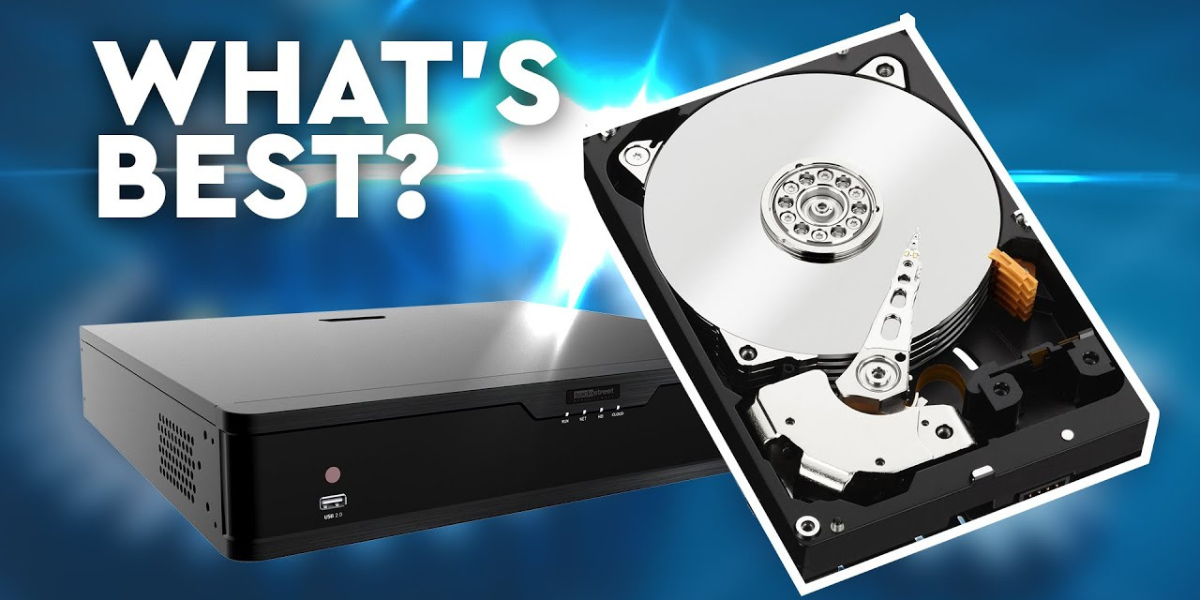
Choosing the right hard drive for CCTV storage is one of the most important decisions when setting up a surveillance system. A good CCTV camera setup is not just about cameras; reliable storage ensures your video recordings are safe, accessible, and usable when needed. Whether you are planning a small office setup or a large commercial project, the right storage solution can save you money and prevent data loss.
If you are considering Commercial CCTV installation in Karachi, understanding CCTV hard drives will help you make smarter decisions and avoid future problems.
Why CCTV Storage Matters
CCTV systems record video 24/7 or during specific hours. This continuous recording creates a large amount of data. If your hard drive is not designed for surveillance use, it may fail early, cause recording gaps, or lose important footage.
Reliable storage ensures:
- Continuous video recording
- Smooth playback
- Long-term footage retention
- Protection against data corruption
A poor-quality hard drive can compromise the entire CCTV system, even if the cameras are high quality.
Types of Hard Drives Used in CCTV Systems
1. Surveillance Hard Drives (Recommended)
Surveillance-grade hard drives are specially designed for CCTV and DVR/NVR systems. They are built to run 24/7 and handle multiple camera feeds simultaneously.
Key benefits:
- Optimized for continuous recording
- Longer lifespan
- Better heat management
- Lower risk of dropped frames
Popular examples include WD Purple and Seagate SkyHawk.
2. Desktop Hard Drives (Not Ideal)
Regular desktop hard drives are designed for personal computers, not constant recording.
Problems with desktop drives:
- Not designed for 24/7 operation
- Higher failure rate
- Poor performance with multiple cameras
Using these drives may reduce initial cost but can lead to data loss and replacement expenses later.
3. Enterprise Hard Drives (For Large Systems)
Enterprise drives are used in data centers and large surveillance systems.
Best for:
- Large commercial buildings
- High camera counts
- Long recording retention
They are expensive but very reliable.
How Much Storage Do You Need for CCTV?
Storage requirements depend on several factors:
Number of Cameras
More cameras mean more data. A 16-camera system needs significantly more storage than a 4-camera setup.
Camera Resolution
Higher resolution cameras (1080p, 4MP, 4K) consume more space.
Recording Mode
- Continuous recording uses more storage
- Motion-based recording saves space
Retention Period
Decide how long you want to keep footage:
- 7 days
- 14 days
- 30 days or more
For most businesses, 2TB to 8TB is common, while larger setups may require 10TB or higher.
HDD vs SSD for CCTV Storage
HDD (Hard Disk Drive)
- Affordable
- High capacity
- Ideal for CCTV systems
SSD (Solid State Drive)
- Faster
- Expensive
- Limited write cycles
For CCTV, HDDs are the better choice because SSDs wear out faster with continuous writing.
Single Drive vs Multiple Drives
Single Hard Drive
- Simple setup
- Lower cost
- Suitable for small systems
Multiple Hard Drives
- Better performance
- Backup options
- Used in large NVR systems
Professional Commercial CCTV installation in Karachi often uses multiple drives to ensure data safety and uninterrupted recording.
Importance of Compatibility with DVR/NVR
Always check:
- Supported hard drive size
- SATA compatibility
- Maximum storage limit
Using incompatible drives can cause system errors or recording failures.
Heat, Power, and Environment Considerations
CCTV systems operate continuously, generating heat. Surveillance hard drives are designed to handle high temperatures and vibration.
Tips:
- Ensure proper ventilation
- Use a stable power supply
- Avoid cheap power adapters
Good installation practices improve hard drive lifespan significantly.
RAID Storage for High-Security Installations
RAID (Redundant Array of Independent Disks) is used in advanced systems.
Benefits:
- Data redundancy
- Protection against drive failure
- Better system uptime
RAID is recommended for banks, factories, and large offices.
Maintenance Tips for CCTV Hard Drives
- Check system logs regularly
- Replace drives every 3–5 years
- Keep firmware updated
- Monitor storage health
Preventive maintenance avoids sudden failures and lost footage.
CCTV Storage and Business Integration
Modern businesses often integrate CCTV with access control, alarm systems, and communication setups. Proper storage planning ensures smooth integration with systems like PABX System Setup in Karachi, allowing centralized monitoring and management.
Final Thoughts
Choosing the right hard drive for CCTV storage is not just a technical decision, it’s a security investment. Surveillance-grade hard drives offer reliability, durability, and peace of mind. Whether you are installing CCTV for a shop, office, or commercial building, selecting the correct storage ensures your system performs when it matters most.
For professional results, always rely on experienced providers of Commercial CCTV installation in Karachi who understand storage planning, system compatibility, and future scalability.
Frequently Asked Questions (FAQs)
1. Which hard drive is best for CCTV systems?
Surveillance-grade hard drives like WD Purple or Seagate SkyHawk are best because they are designed for 24/7 recording.
2. Can I use a normal computer hard drive for CCTV?
It is not recommended. Desktop hard drives are not built for continuous recording and may fail early.
3. How long does CCTV footage stay saved?
This depends on storage size, number of cameras, and recording mode. Most systems store footage for 7 to 30 days.
4. Is SSD better than HDD for CCTV storage?
No. HDDs are better for CCTV because they handle continuous writing and offer higher capacity at lower cost.
5. How often should CCTV hard drives be replaced?
Surveillance hard drives should be replaced every 3 to 5 years to avoid unexpected failures.